Copy page
Copy page
Copy this page as Markdown for LLMs
View as Markdown
View this page as plain text
Open in ChatGPT
Ask questions about this page
Open in Claude
Ask questions about this page
Open in Perplexity
Ask questions about this page
Team and collaboration
Real-Time Collaboration
Order41 offers a fully real-time workspace. Every update — whether it's a product change, a new order, or updated partner data — is immediately visible to all team members. This eliminates version conflicts and guarantees that everyone works from the same live source of truth.
If you require independent storefronts, custom branding (CI), or strict separation between buyer and seller interfaces, a traditional order portal or e-commerce setup may be more suitable. Order41 is optimized for unified team collaboration.
Managing Your Team
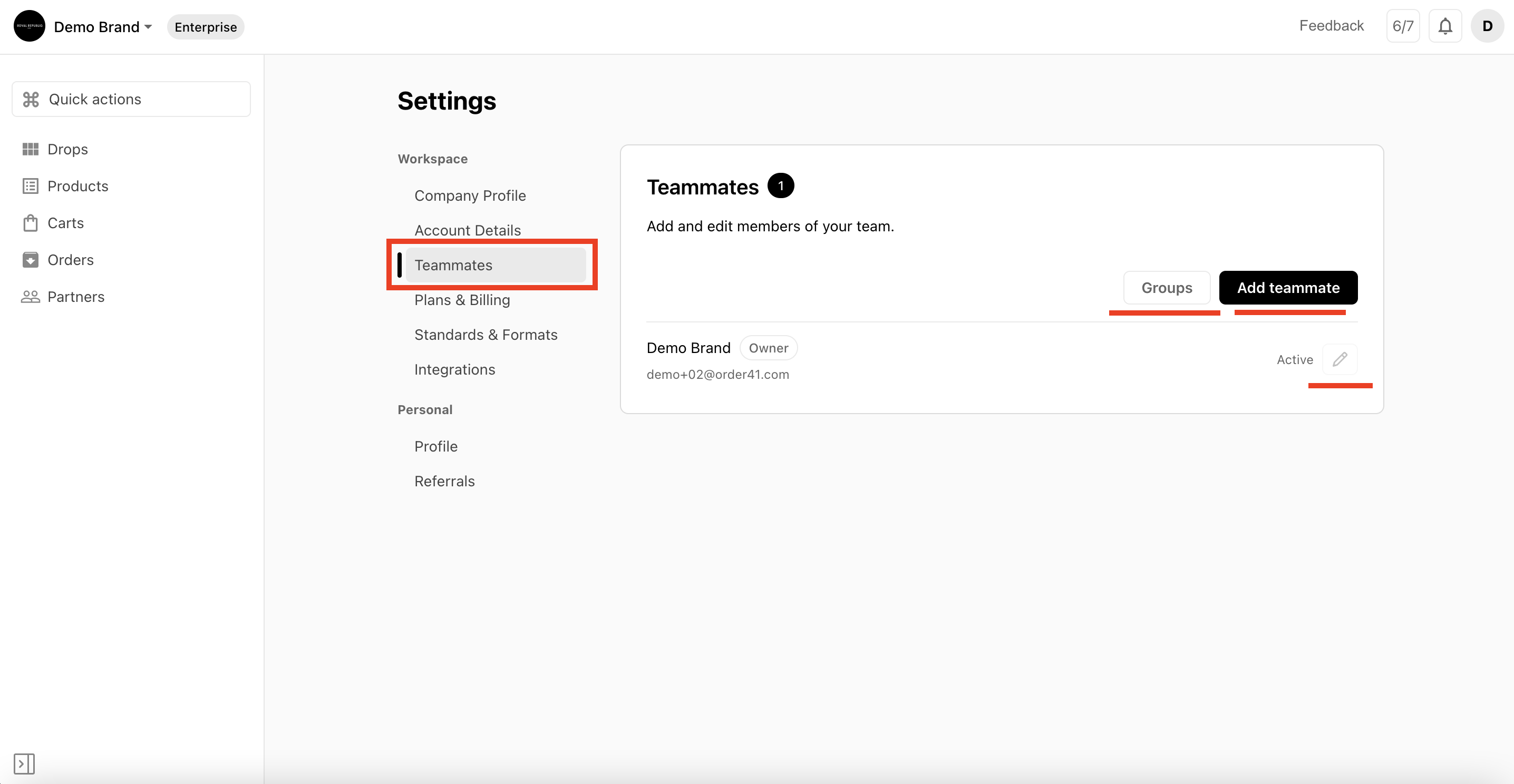
Your Order41 workspace supports unlimited team members. Workspace owners and admins can quickly add, edit, or remove users to ensure that the right people have access to the right tools.
To manage your team, go to Settings → Workspace → Teammates.
Adding Team Members
Invite teammates directly from your workspace settings. Adding members ensures your team stays aligned, informed, and able to collaborate smoothly across all product and order workflows.
To add users, go to Settings → Workspace → Teammates.
Removing Team Members
Workspace admins can remove users who no longer require access. This ensures your workspace remains secure and that only active team members can manage or view your operational data.
To remove a user, navigate to Settings → Workspace → Teammates.
We use cookies to measure and improve your experience. For more information, please read our cookie policy.